

Inkfree

The Simple Way to Send and Sign Documents

Every document. Every workflow. Every team. Here is exactly how Inkfree takes you from a blank file to a legally executed, archived agreement, in minutes.

One Platform. The Complete Document Lifecycle.

From first send to signed, archived, and renewed, Inkfree handles every stage on one flat-rate plan.

Average 2-minute document sending time icon
Send time2 Min
Average time to send a document.
Inkfree flat pricing, all features included icon
PricingFlat
No envelope fees, ever.
Sign on any device icon
CompatibilityAny Device
Signers sign in browser, no app needed.
Global legal compliance icon
Coverage180+
Countries covered by legal compliance.

Simple Steps to Get Documents Signed

Only 3 steps to send, sign, and complete any document, no training required.

Step 01

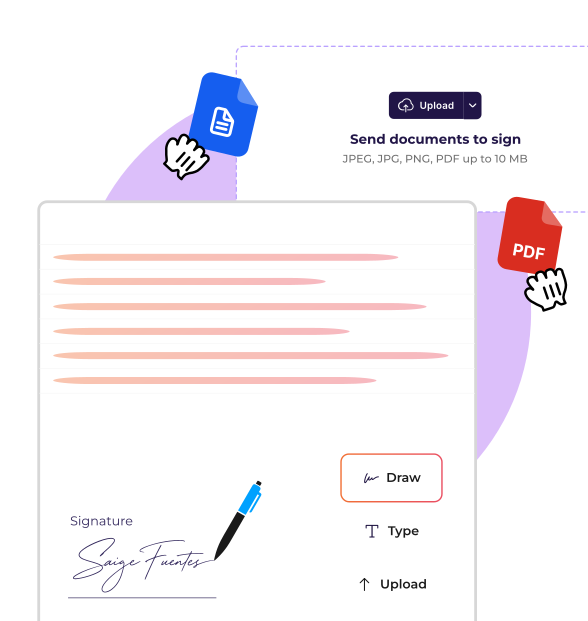
Upload and Prepare Your Document

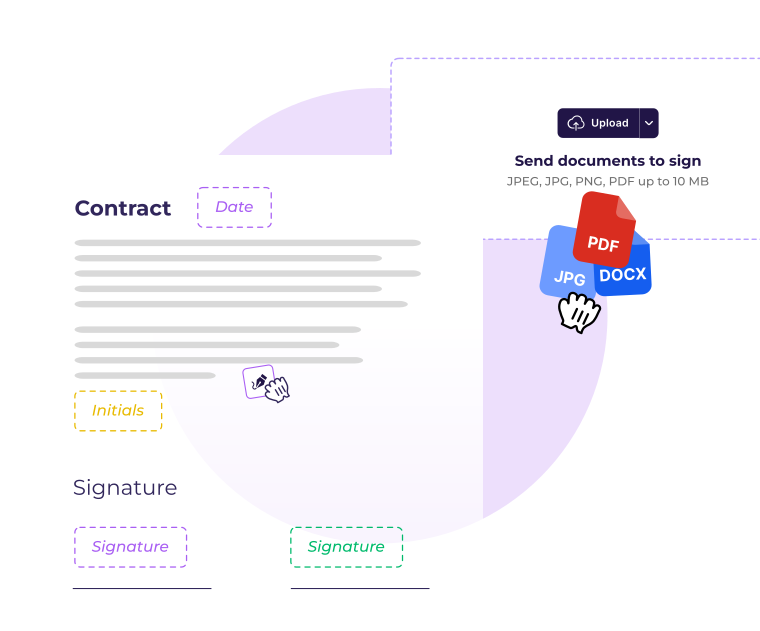
Upload any PDF or Word doc. Place signature blocks, date fields, initials, and checkboxes exactly where needed, or select a saved template and skip straight to sending.

Document Setup Options

  • Active indicator starUpload PDF or Word, drag and drop or browse from your device
  • Active indicator starPlace field types: signature, initials, date, text input, checkbox
  • Active indicator starBundle multiple docs into one signing session with multi-doc envelopes
  • Active indicator starUse a saved template to pre-fill fields and send in under 60 seconds
Upload and prepare document workflow image
Step 02

Configure, Send, and Authenticate

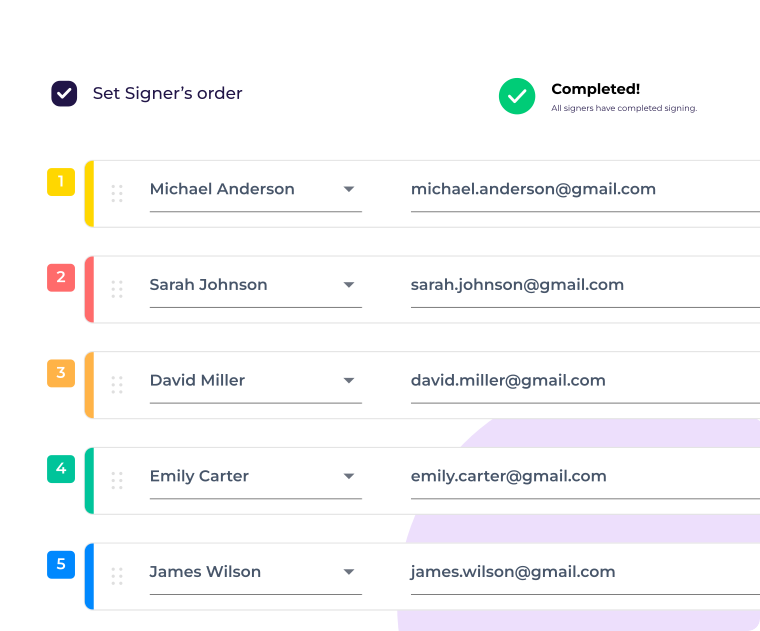
Add recipients, set signing order, choose authentication, and click send. Inkfree routes the document automatically and follows up with unsigned recipients on your behalf.

Sending and Security Controls

  • Active indicator starDefine signing order, Party B is not notified until Party A signs
  • Active indicator starSet authentication: standard email, OTP, or passcode
  • Active indicator starConfigure automatic reminders at 24, 48, or 72-hour intervals
  • Active indicator starSchedule delivery or set expiry dates to keep your pipeline clean
Configure and send document workflow image
Step 03

Sign, Track, and Complete

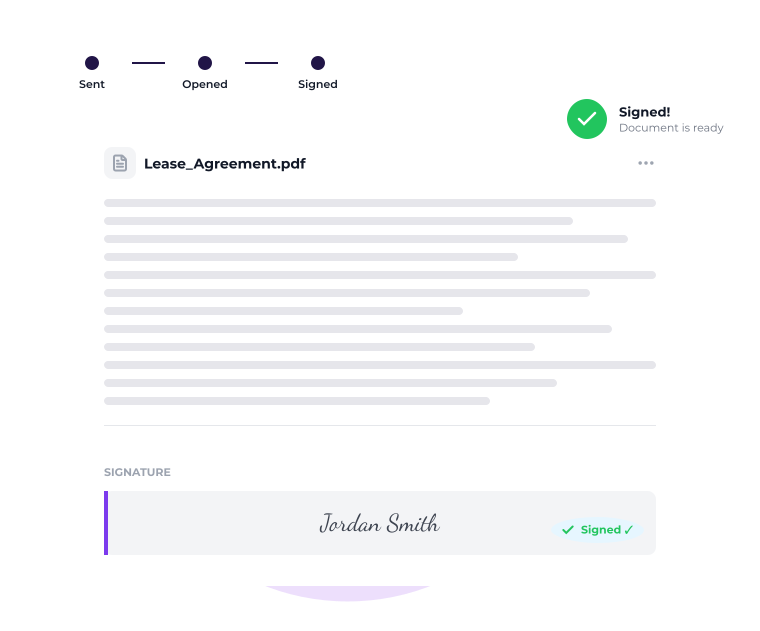
Recipients click one link, open the document in any browser, complete all required fields, and sign, without creating an account. You receive instant notification the moment signing is complete.

Signing and Completion Experience

  • Active indicator starOpens in any browser on any device, no app or account needed
  • Active indicator starGuided fields ensure nothing is missed; multiple signature styles available
  • Active indicator starInstant email notification and dashboard update on completion
  • Active indicator starCertificate of Completion with full audit trail delivered automatically
Sign and complete document workflow image

Legally Binding. Enterprise Secure. Globally Compliant.

Every eSignature collected through Inkfree is legally binding, backed by a tamper-proof digital audit trail, and compliant with international electronic signature laws including ESIGN, UETA, and eIDAS.

eIDAS electronic signature compliance icon

eIDAS Compliant

Legally recognized electronic signatures within the EU/EEA.

U.S. ESIGN Act compliance icon

U.S. ESIGN Act Compliant

Federally recognized legal validity for electronic signatures.

UETA legal compliance icon

UETA Compliant

State-level enforceability across adopting U.S. states.

FEATURES

Beyond Send and Sign, Advanced Capabilities for Complex Workflows

From multi-step approvals to bulk distribution, Inkfree manages workflows most platforms reserve for expensive enterprise tiers.

Approval Workflows

Configure multi-step internal review chains that run automatically before any document reaches an external signer. Every approver's decision is timestamped.

Explore approval workflowsProceed to the next step

Common use cases

  • Active indicator starLegal review before any client contract is sent
  • Active indicator starFinance sign-off before vendor agreements
  • Active indicator starMulti-level authorization for high-value procurement
Bulk Send

Distribute the same document to hundreds of recipients in one action. Each person gets their own tracked, personalized copy with real-time completion dashboards and auto-reminders.

Explore bulk sendProceed to the next step

Common use cases

  • Active indicator starOpen enrollment forms to an entire workforce
  • Active indicator starPolicy acknowledgments distributed company-wide
  • Active indicator starSeasonal employment contracts for large hiring cohorts

Delegation

When a signer is unavailable, they can reassign the request to a nominated colleague. The delegation is documented in the audit trail, no document gets stuck waiting.

Explore delegationProceed to the next step

Common use cases

  • Active indicator starExecutive delegation to Chief of Staff or EA
  • Active indicator starLegal sign-off delegated during absence
  • Active indicator starFinance approval reassigned during period-close

Renewal Notifications

Set a renewal or review date on any contract at execution. Inkfree automatically alerts designated team members before key milestones, giving time to renew, renegotiate, or terminate agreements.

Explore renewal notificationsProceed to the next step

Common use cases

  • Active indicator starVendor contracts approaching annual renewal
  • Active indicator starEmployment agreements with fixed review dates
  • Active indicator starCompliance certifications due for annual re-execution

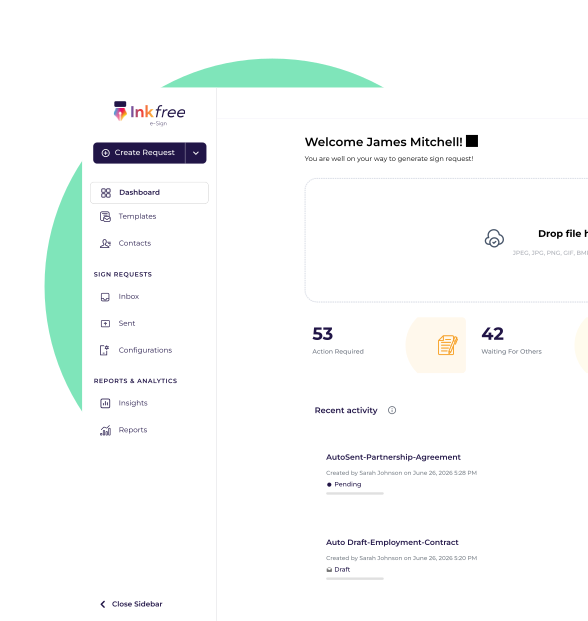
Everything in One Place: The Inkfree Dashboard

Your Inkfree dashboard is the operational center for every document your team sends, receives, and manages. Real-time visibility across every active document, template, and team member, no switching between tools.

  • Active indicator starLive Document Tracking
  • Active indicator starInstant Read Receipts
  • Active indicator starComplete Audit Logs
  • Active indicator starShared Template Library
  • Active indicator starTeam Performance Reports
  • Active indicator starAutomated Renewal Alerts
Inkfree eSignature dashboard showing document status and analytics

The Fastest Way to Sign Is When It Feels Effortless

Completion rates drop when signing is complicated. Inkfree is designed from the signer's perspective: the fewer steps between receiving a link and submitting a signature, the higher the completion rate. Every decision in the Inkfree signing experience is optimized for completion.

  • Active indicator starBranded email with a secure signing link
  • Active indicator starOne-click signing, no login or account required
  • Active indicator starMobile-friendly signing on any device
  • Active indicator starGuided completion of required fields
  • Active indicator starDraw, type, or upload signatures
  • Active indicator starInstant confirmation and signed copy by email

No Inkfree account, printing, scanning, or emailing back required.

Recipient eSignature signing experience on Inkfree platform
FAQS

Questions, answered.About how Inkfree works

Most documents are uploaded, configured, and sent in under 2 minutes. With a saved template, the process takes under 60 seconds, from opening Inkfree to the signing request landing in the recipient's inbox.

No. Recipients receive a direct link by email, click to open, and sign in any browser on any device, without creating an account or downloading any software. Zero friction for the people on the receiving end.

Inkfree supports PDF and Word (.docx) documents of any length, along with JPEG, JPG, PNG, GIF, BMP, TIFF, TXT, XLS, XLSX, and HEIC formats.

Inkfree automatically delivers a copy of the fully executed document to every signer and generates a Certificate of Completion with the complete audit trail. Both are archived in your Inkfree account, encrypted and permanently accessible.

Yes. Your dashboard shows the real-time status of every document: outstanding, opened, partially signed, completed, declined, or expired. Read receipts tell you the exact moment a recipient opens the signing link.

You define the sequence. Party A receives the document first. Party B is not notified until Party A has completed. Each step is tracked and documented automatically, no manual coordination needed.

Yes. Documents can be voided at any time before all signatures are collected. Voided documents are clearly marked in your account history with a timestamp.

Yes. Bulk Send distributes personalized documents to hundreds of recipients in a single action, each with their own unique signing link and individually tracked completion status. Real-time dashboards and auto-reminders handle all follow-up.

Yes. Approval workflows route documents through any number of internal reviewers, in a defined sequence, before release to external signatories. Every approver's decision is timestamped. Nothing reaches your client before it is ready.

Inkfree offers four authentication levels: standard email link (all plans), passcode protection (Standard and above), OTP email (Standard and above), and two-factor authentication for platform login (all plans). Match the authentication level to the risk profile of each document.

Ready to see it in action?

Upload your first document, place the fields, and send it in under two minutes. No credit card. No setup call. No commitment.